

What is Bring Your Own Claude?
Bring Your Own Claude (BYOC) lets you connect your personal Anthropic account to OptiDev. Instead of using workspace credits, you’ll be billed directly by Anthropic based on your existing subscription or API usage. Benefits:- Unlimited usage - No credit limits within OptiDev
- Use existing subscription - Claude Pro, Max, Team, or Enterprise subscribers can use their existing plan
- Direct billing - All AI costs go to your Anthropic account
Who Can Use BYOC?
BYOC is optional. If you don’t connect your own account, OptiDev Agent uses your workspace credits automatically.
Connecting Your Account
Go to Settings → Workspace tab. Scroll down to find the Bring Your Own Claude card.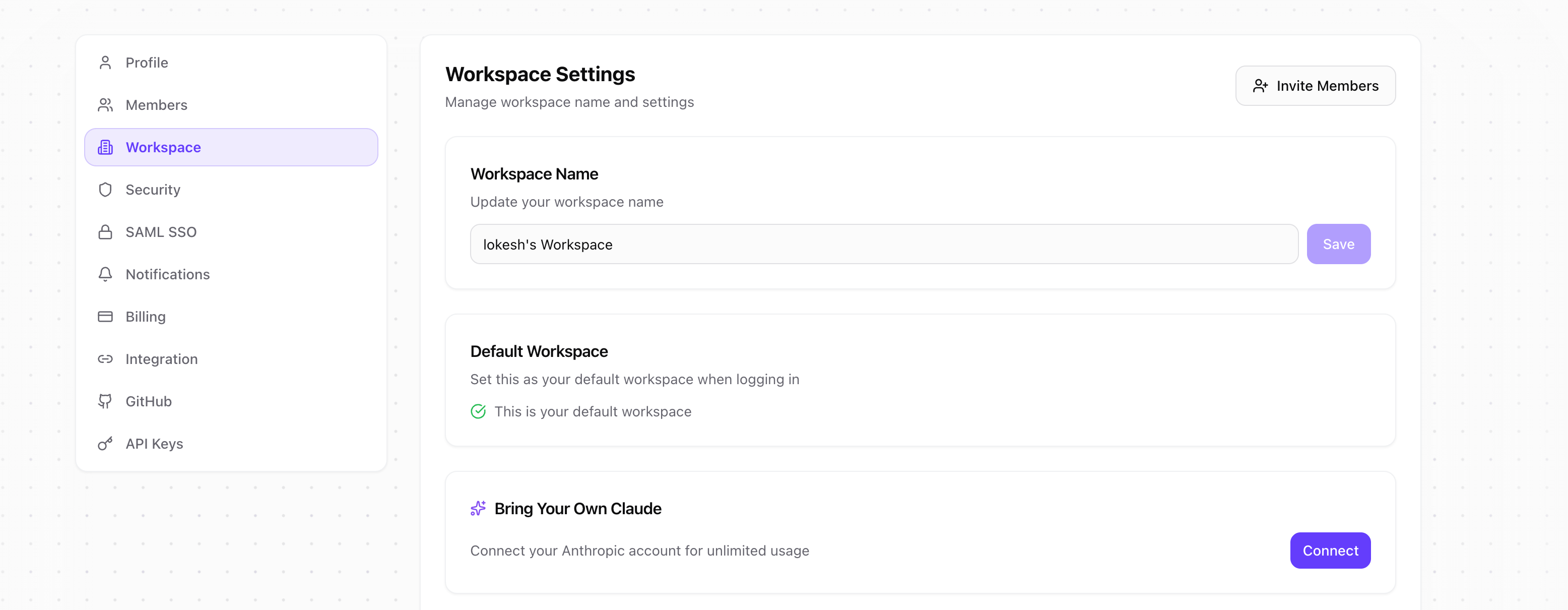
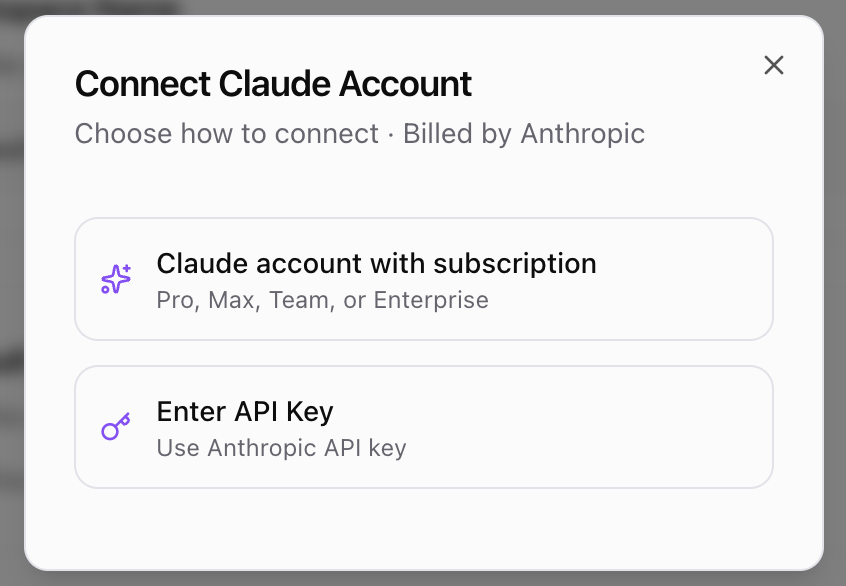
Option 1: Claude Subscription (Recommended)
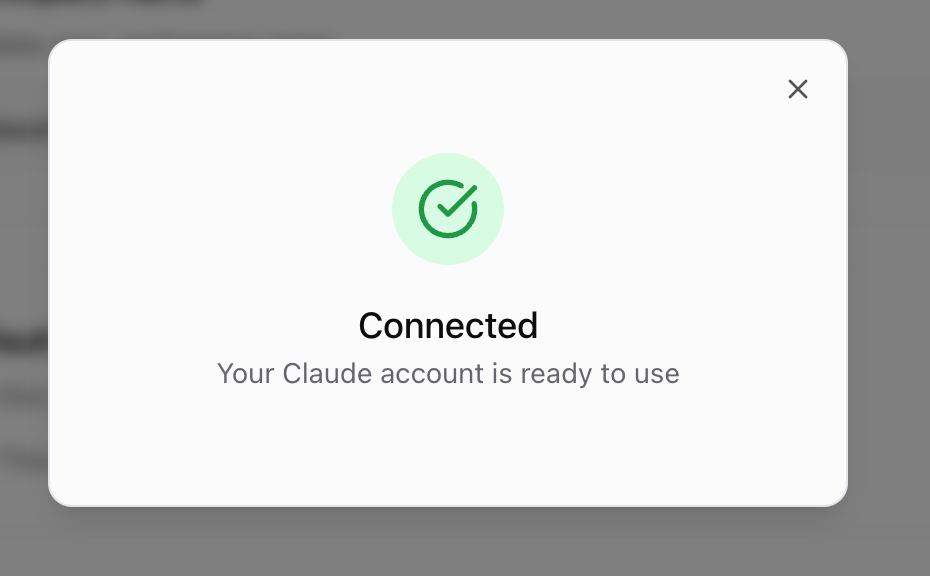
Best for users with an active Claude Pro, Max, Team, or Enterprise subscription.- Click Claude account with subscription
- Click Open authorization page to go to claude.ai
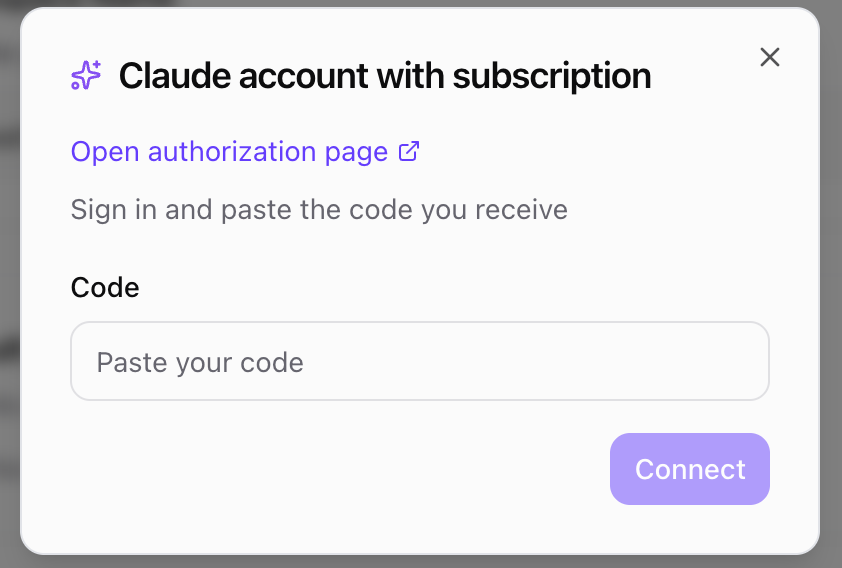
- Sign in to your Claude account if prompted
- Authorize OptiDev to access your account
- Copy the authentication code shown on screen
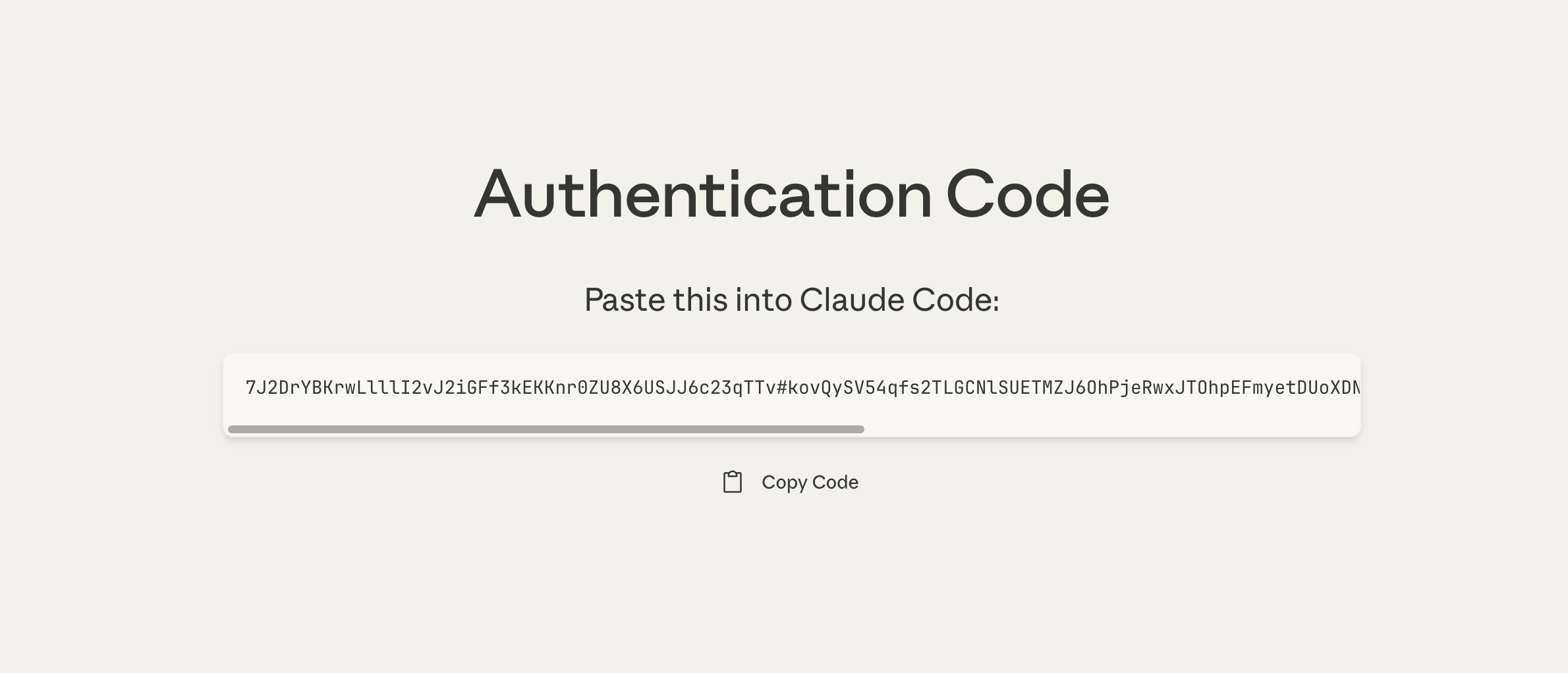
- Paste the code back in OptiDev and click Connect
Option 2: API Key
Best for developers with an Anthropic API account.- Click Enter API Key
- Go to console.anthropic.com/settings/keys to create or copy a key
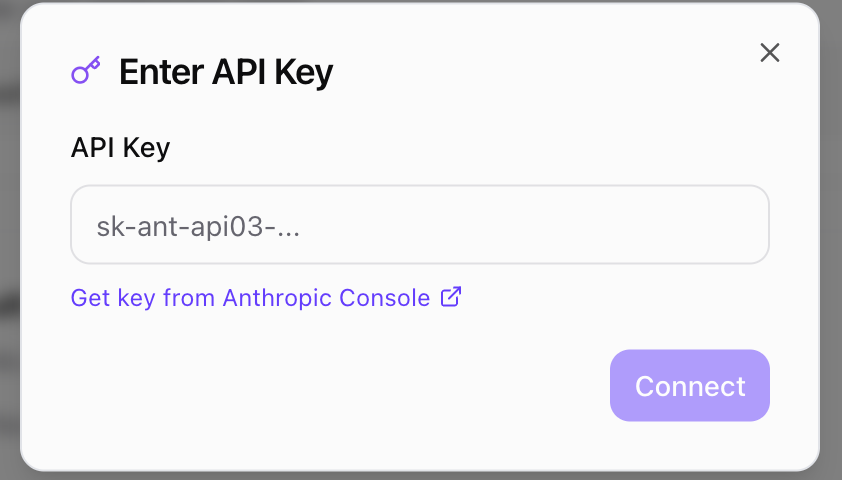
- Paste your API key (starts with
sk-ant-api03-...) - Click Connect
Viewing Connection Status
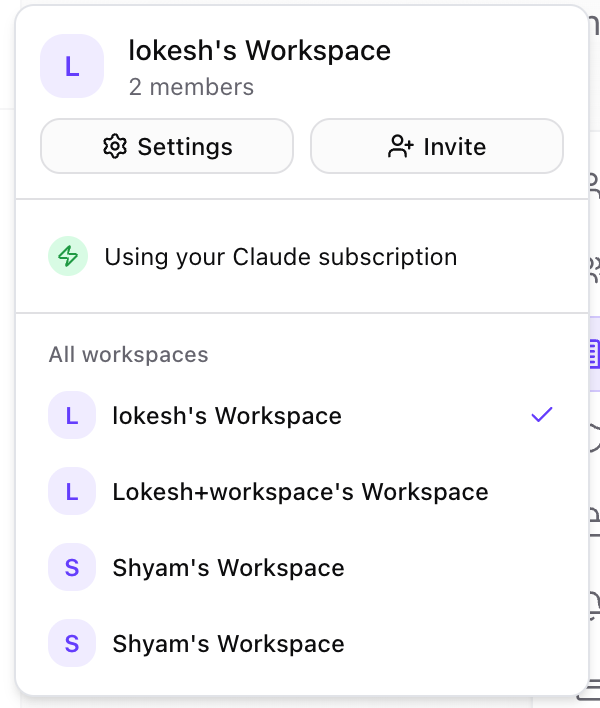
Once connected, the BYOC card shows your connection status:
Disconnecting
To stop using your personal account and return to workspace credits:- Go to Settings → Workspace
- Find the Bring Your Own Claude card
- Click Disconnect
If Your Session Expires
OAuth tokens refresh automatically in the background. However, if your session becomes invalid (e.g., you revoke access from Anthropic or the refresh token expires), you’ll see a notification: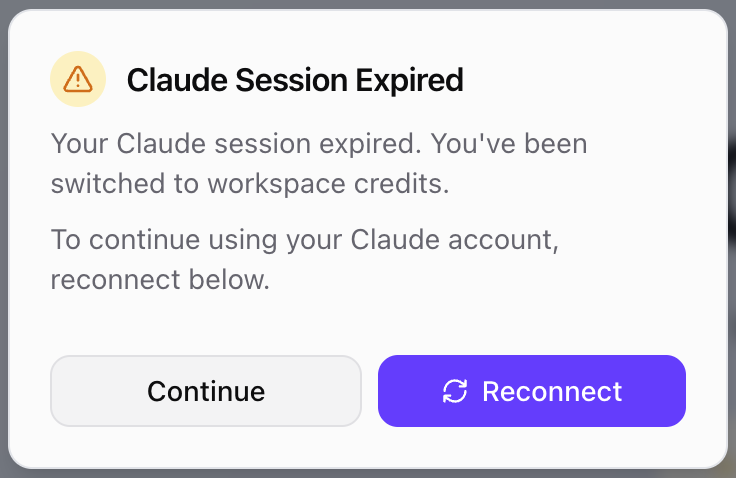
- OptiDev automatically switches to using workspace credits
- Your work is not interrupted
- Click Reconnect to go to Settings and reconnect your account
FAQ
Will I be charged twice?
No. When BYOC is connected, all Claude AI usage is billed to your Anthropic account. Workspace credits are not used.What happens if I run out of API credits?
If your Anthropic API account has insufficient credits, requests will fail. You can either:- Add credits to your Anthropic account
- Disconnect BYOC to use workspace credits instead